CloudflareDNSUpdate
 This is open source software licensed as MIT License. You can obtain the source code from
 CloudflareDNSUpdate
Basic configuration
Edit the included appsettings.json to update settings such as the update interval (CronExpression) and your Cloudflare token. You can also have it email you with failures and setup inclusion/exclusion lists, specify record type and some filters on which records to update.
Confused by those CronExpressions? I use: https://crontab.cronhub.io/
As for logging, I highly recommend that you change the logging path to an absolute location. Find the section "path": "Logs/log-.txt" and change it to something like "C:\some\path". Otherwise windows defaults the location to "C:\Windows\System32\Logs", which kind of sucks.
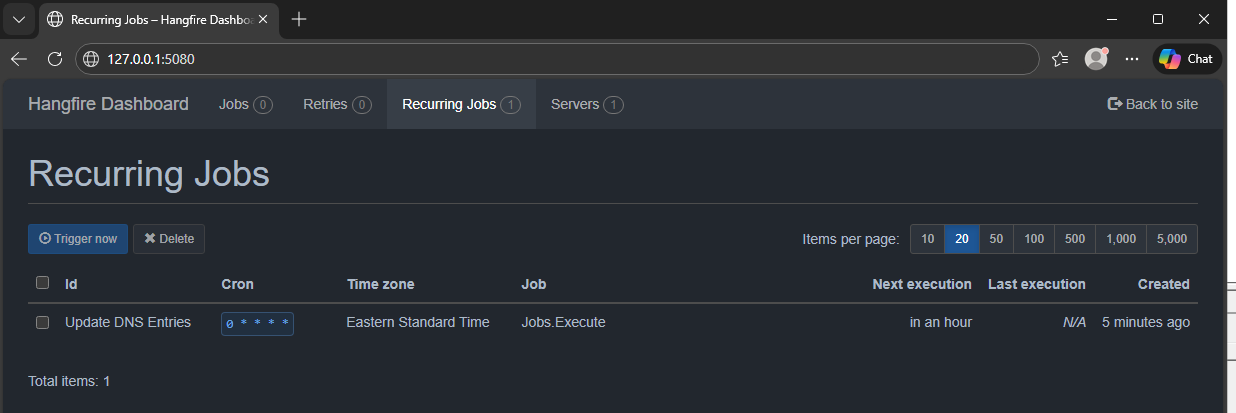
Hangfire Console
The application used Hangfire to schedule the updates, by default you can browse the scheduled via http://127.0.0.1:5080/ using the username "admin" with the password "password". You can change the port and credentials in the appsettings.json.
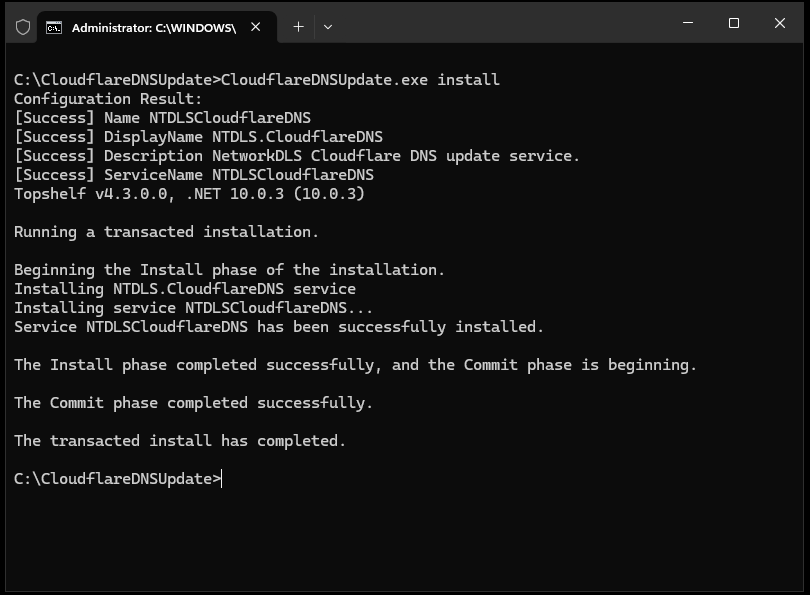
Install service
CMD: CloudflareDNSUpdate.exe install
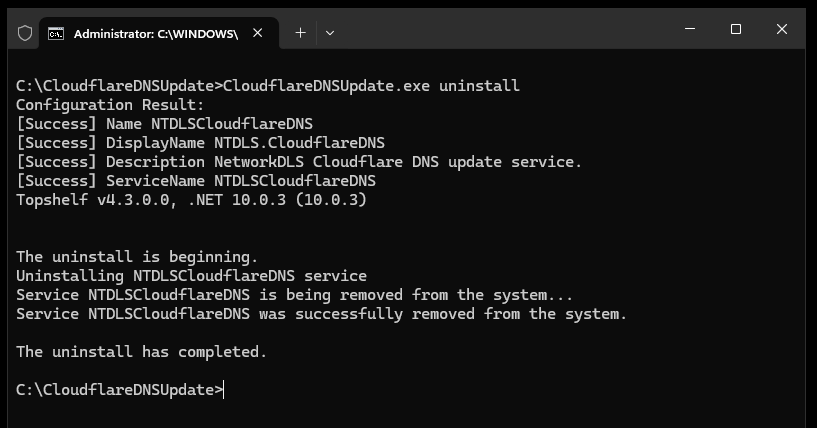
Remove Service
CMD: CloudflareDNSUpdate.exe uninstall